Samsung Galaxy S26 Bixby: The Complete Guide to the Rebuilt AI
Let’s be honest. For years, the first thing many UK Samsung users did upon unboxing a new phone was search for ways to disable the voice assistant. It was a common frustration, often triggered accidentally by a side button. But with the launch of the Samsung Galaxy S26 series, that reflex needs to change.
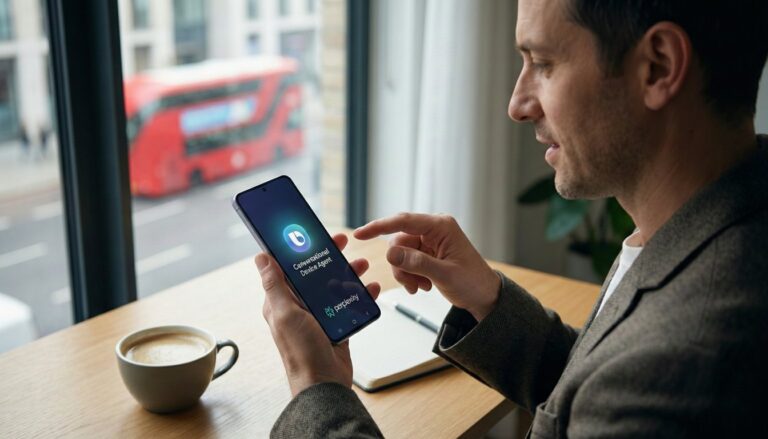
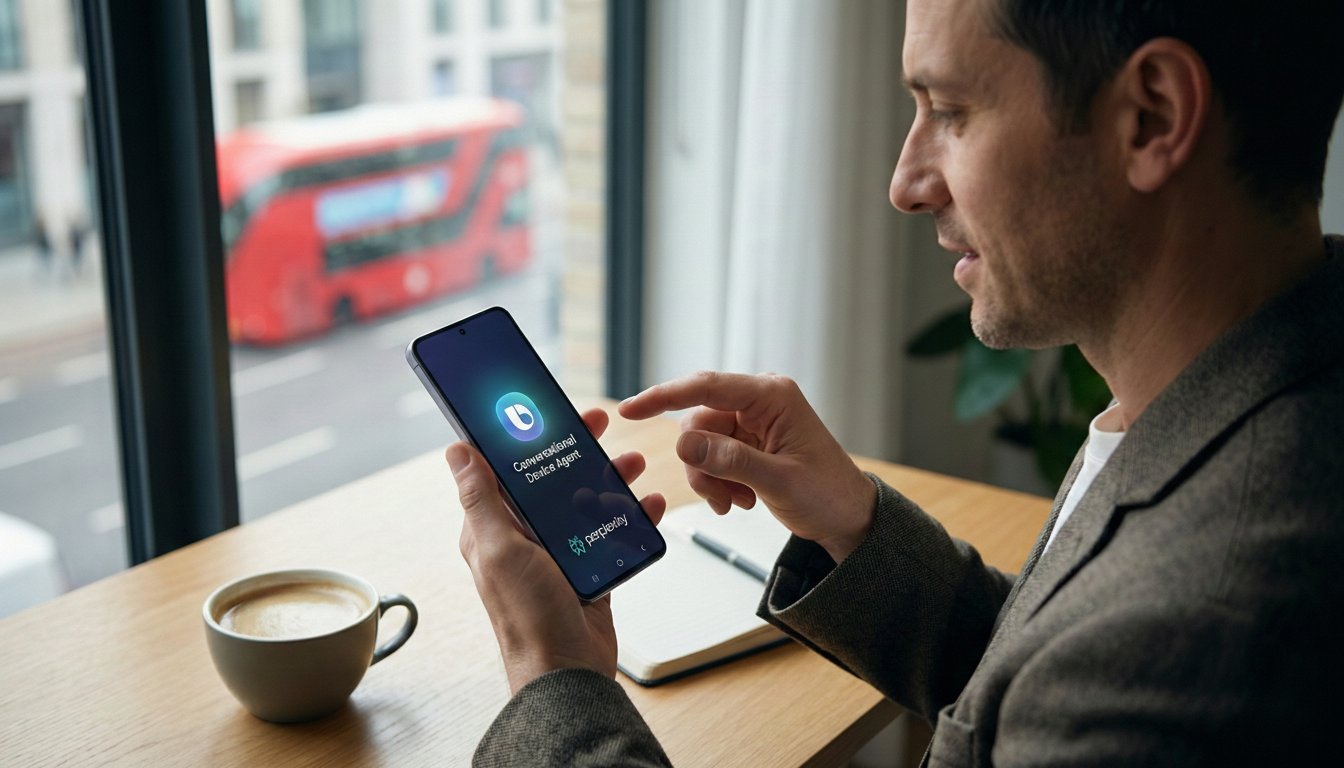
The upcoming One UI 8.5 update introduces a completely transformed multi-agent ecosystem. The Samsung Galaxy S26 Bixby is no longer just a basic voice search tool to ignore. It is now a highly specific conversational device agent capable of controlling your hardware and handling complex tasks in ways Google Gemini cannot.
What is the Samsung Galaxy S26 Bixby update? The rebuilt Bixby is a highly advanced conversational device agent integrated into the One UI 8.5 update. It handles natural language troubleshooting, controls system settings natively, and features a system-level integration with Perplexity AI for complex thinking tasks and real-time web search.
Key Takeaways
- Bixby has evolved into a dedicated “conversational device agent” for hands-free hardware and settings control.
- Samsung has introduced a multi-agent ecosystem, blending Bixby, Google Gemini, and Perplexity AI.
- The new “Hey Plex” wake phrase activates Perplexity for deep, system-level web searches across native apps.
- The redesigned assistant entered a beta program in London in February 2026.
The Return of Bixby: What’s New in One UI 8.5?
Samsung officially opened a beta program for a redesigned Bixby in London on 20 February 2026 TechRadar 2026 report on Bixby beta. The tech giant made a clear shift, actively framing the assistant as a “conversational device agent” rather than a simple voice responder.
This overhaul arrives as part of the One UI 8.5 update, which debuts alongside the Samsung Galaxy S26 series. Instead of just answering basic trivia, the rebuilt Bixby takes on complex thinking tasks directly within the smartphone’s interface. It focuses heavily on on-device intelligence and smart device navigation, making it much easier to control your phone without digging through menus.
Samsung Galaxy S26 Bixby vs. Perplexity vs. Gemini
Having three separate AI assistants on one smartphone sounds confusing at first. Why do you need a multi-agent ecosystem? The answer lies in specialisation. Each assistant on the new Galaxy S26 handles entirely different types of mobile user experience.
Here is a breakdown of which assistant to use for specific daily tasks.
Enter “Hey Plex”: The Perplexity AI Integration
To handle advanced research, Bixby now features deep integration with Perplexity AI. Samsung confirmed the addition of Perplexity to its multi-agent setup, accessible via the brand-new “Hey Plex” wake phrase (Source: Samsung Newsroom, 2026).
This is not just a standard app installation. Perplexity is embedded at a system level to work seamlessly across native applications like Samsung Notes, Clock, Gallery, Reminder, and Calendar. When you ask a complex question that requires real-time web search and synthesis, the device instantly hands the task over to Perplexity for a highly detailed, accurate response.
Hands-on: How Bixby Controls Your Galaxy Hardware
The true strength of the new Galaxy AI 4.0 update is how it handles your hardware. Bixby now accepts natural language troubleshooting and device control requests. Instead of memorising specific command words or digging through nested menus, you can simply talk to your phone about a problem you are experiencing.
Pro-Tip: If you are testing the One UI 8.5 beta in the UK, try describing an issue naturally instead of asking for a specific setting toggle. For example, say, “Why does my screen stay on in my pocket?” The new Bixby will instantly understand the context and automatically route you to the Accidental Touch Protection setting (Source: HDBlog, 2026).
This massive leap in voice control features requires serious processing power. To make this happen seamlessly, the Samsung Galaxy S26 series introduces Galaxy AI 4.0, supported by next-generation processors such as the Snapdragon 8 Elite Gen 5 in select regions (Source: Tech Times, 2026). This hardware-level integration ensures that complex on-device intelligence requests happen almost instantly, without the lag of sending data back and forth to a cloud server.
Should You Give Bixby a Second Chance?
For years, the immediate instinct to disable Bixby made complete sense. It often interrupted daily phone usage without offering enough benefit to justify its presence. However, the One UI 8.5 update changes the dynamic entirely.
Rather than trying to compete with Google for basic trivia and web searches, Samsung has pivoted Bixby into a highly specialised smartphone mechanic. If you want to adjust complex Samsung smartphone settings quickly or troubleshoot a hardware issue, leaving Bixby active is highly recommended. The new multi-agent ecosystem means you no longer have to choose a single assistant for everything; you can finally use the right tool for the right job.
Conclusion
The relaunch of the Samsung Galaxy S26 Bixby represents a major shift in smart device navigation. By integrating Perplexity AI for complex web research and focusing Bixby strictly on hardware control, Samsung has created a much more practical mobile user experience. We are moving away from generic voice assistants toward a system where specialised AI agents handle specific workflows. When you set up your new Galaxy S26, try leaving the assistant on for a few days and test a natural language command to see the difference for yourself.
FAQs
Is Bixby replacing Google Gemini on the Galaxy S26?
No. Samsung is utilising a multi-agent ecosystem. Gemini handles Google Workspace tasks and general Android inquiries, while Bixby focuses on controlling phone hardware and native device settings.
How do I wake Perplexity instead of Bixby?
You can access Perplexity’s deep web search capabilities across native apps by using the specific “Hey Plex” wake phrase (Source: Samsung Newsroom, 2026).
Can the new Bixby change phone settings automatically?
Yes. You can describe a problem naturally—such as a screen staying on in your pocket—and Bixby will navigate directly to the correct setting, like Accidental Touch Protection (Source: HDBlog, 2026).
Will the One UI 8.5 Bixby update come to older Samsung phones?
The rebuilt Bixby is integrated into the One UI 8.5 update scheduled to debut alongside the Samsung Galaxy S26 series. While Samsung frequently rolls out software updates to older flagship models, specific timelines for older devices remain unconfirmed.
Do I need an internet connection for the new Bixby commands?
Many hardware control features rely on on-device intelligence powered by processors like the Snapdragon 8 Elite Gen 5, meaning basic setting changes often work offline. However, Perplexity web searches and complex thinking tasks will require an active internet connection.
What exactly is Galaxy AI 4.0?
Galaxy AI 4.0 is Samsung’s newest suite of artificial intelligence features, which powers the conversational device agent and multi-step workflows on the Galaxy S26 series (Source: Tech Times, 2026).
How do I disable Bixby on the Samsung Galaxy S26?
If you still prefer to turn it off, you can disable the side button activation by going to Settings, selecting Advanced Features, tapping Side Button, and changing the “Press and hold” option to the standard Power Off menu.
About the Author